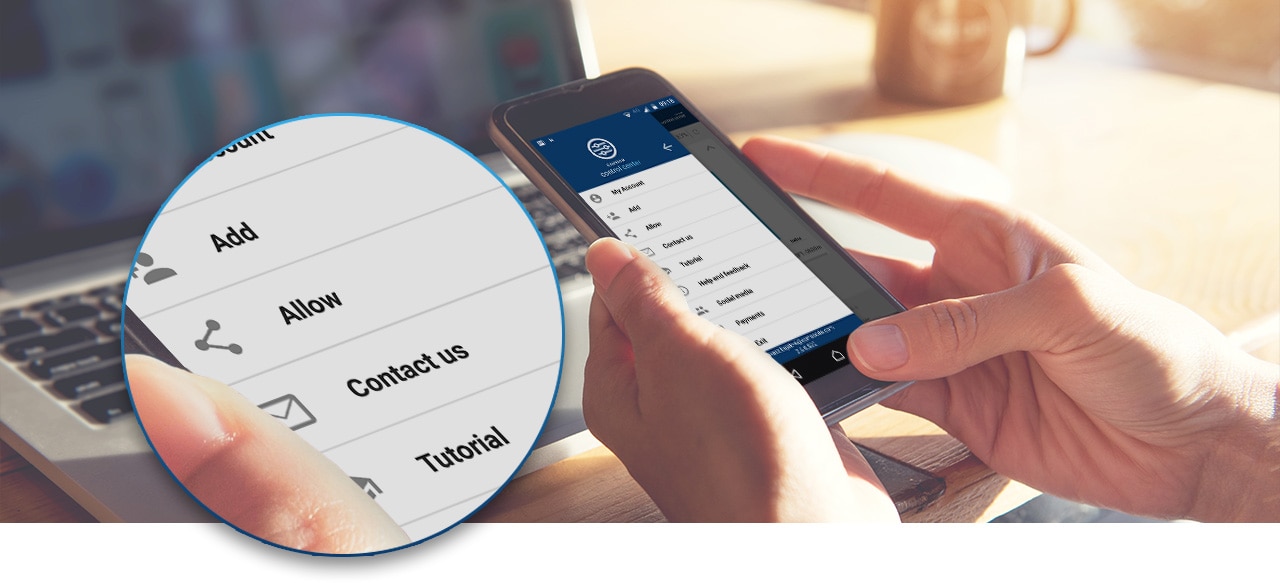
Remote control over all parental control devices in one App
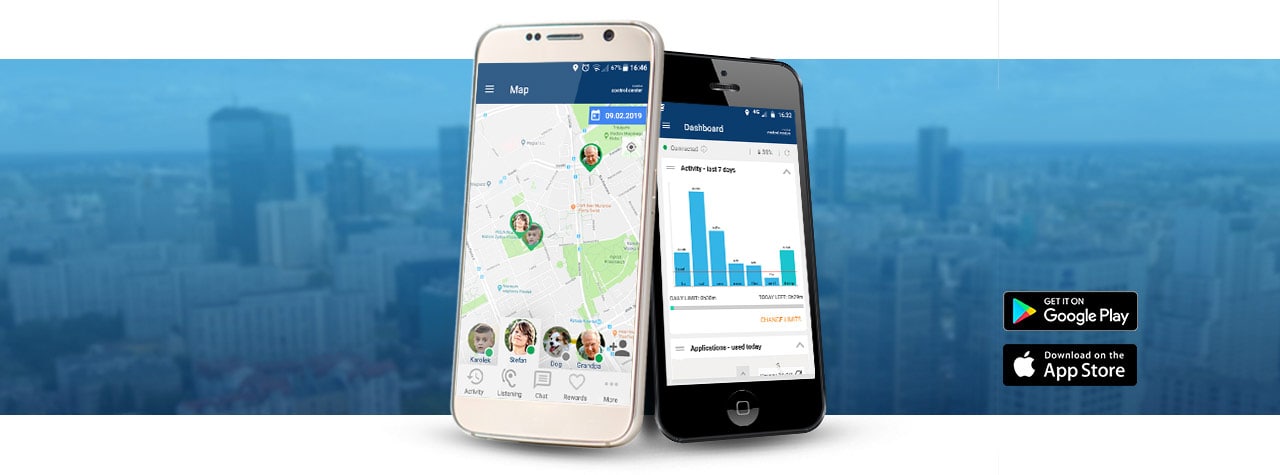
The CALMEAN Parental Control application allows you to easily and quickly manage all parental control devices: smartwatches for children, smartwatches for seniors, pet trackers, GPS trackers, and other similar devices. In addition, it allows you to control your child's phone through a separate Parental Control service.
To use the application:

Download for free from GooglePlay or AppStore

Create a free account

Add your profile

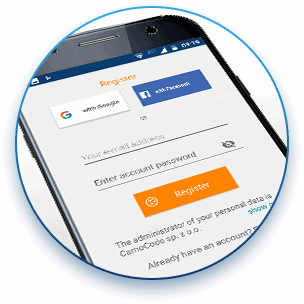
One account is enough to see all the profiles of protected people, animals or things.
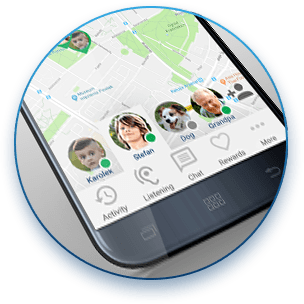
You can freely switch between individual profiles.
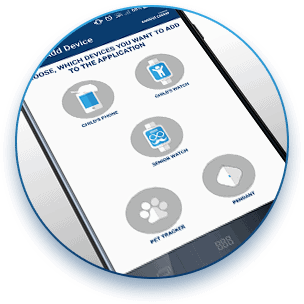
You can add multiple profiles to your application; no-limits are set.
Downolad for free from:


What do you see in the application
Depending on the profile type, the view in the application varies. Other functions are available when you manage a GPS device (e.g. smartwatch or pet tracker), and others when you manage your child's phone.
When you manage your child's phone
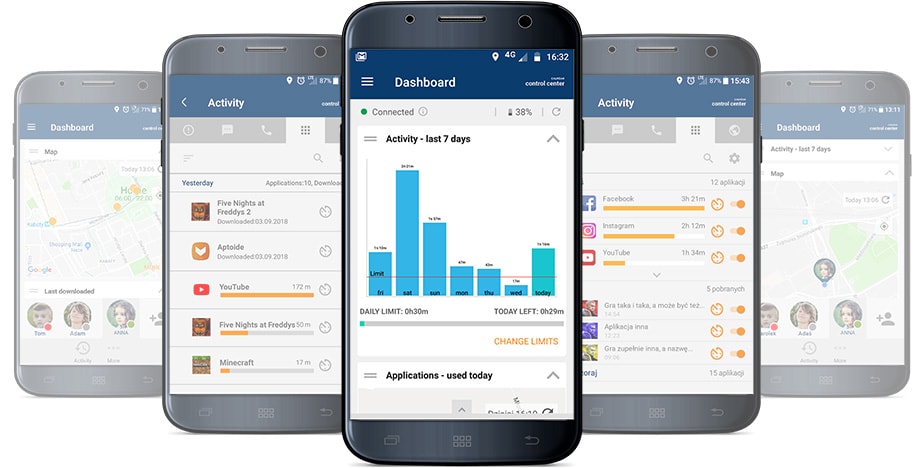
The main view is SUMMARY. It summarizes the child's today's activity on the phone: the applications he uses, the time he spends on the phone, the websites he visits, and more.
When you use manage the GPS device (smartwatch, tracker, pet tracker, etc.)
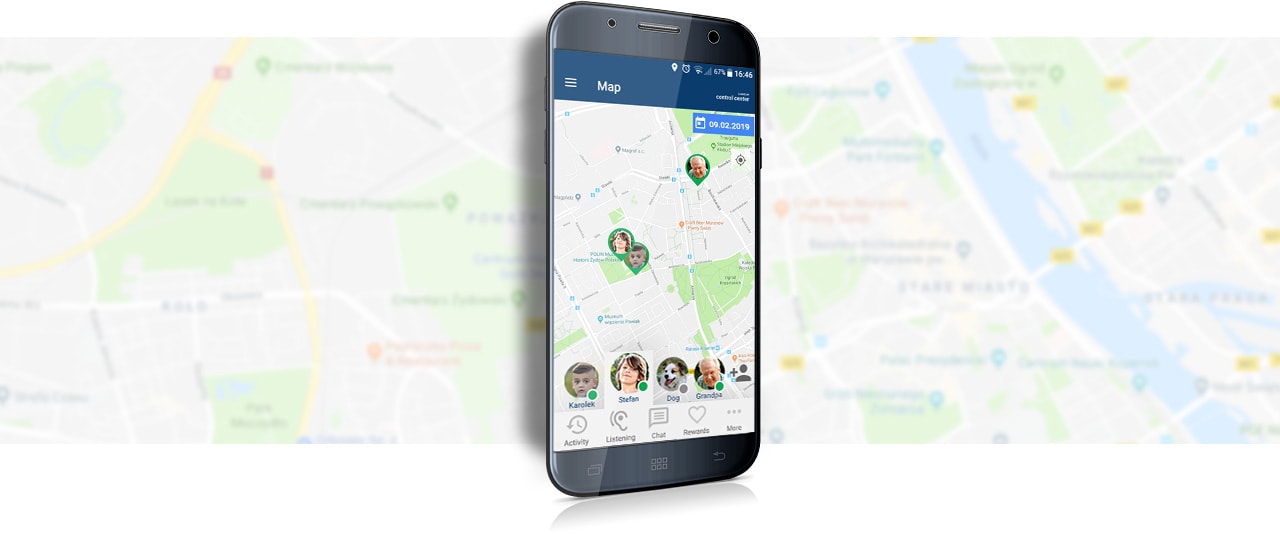
The main view is Map. It shows the location of the device.
You can quickly check where your child or other protected person is.
Additional functions for Operating the device are available in the MENU. These are:
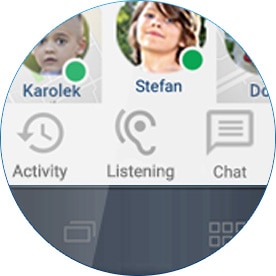
VOICE MONITORING
You create an automatic voice call that will allow you to orientate yourself in the child's environment.
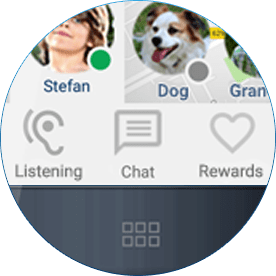
CHAT
You can send a short text message to your child, which will appear on your child's watch. You will receive a notification when your child responds to your message by recording a voice message
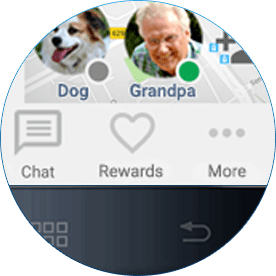
VIRTUAL PRIZE
You can send your child a virtual heart that will appear on your child's watch.
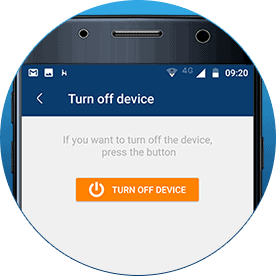
REMOTE SWITCHING OFF
You can turn off your child's watch remotely.
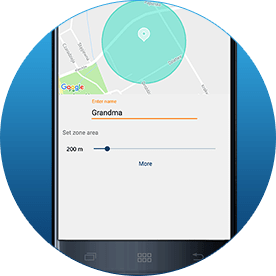
ZONE SETTING
You define safety zones for the child, and you are informed when the child appears / does not appear in them
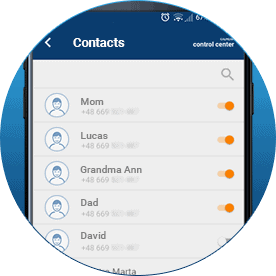
TELEPHONE BOOK MANAGEMENT
You decide who can call and who the child can call from their watch
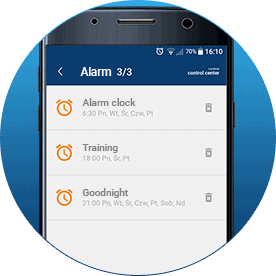
ALARMS SETTING
You set an alarm for a child (e.g. an alarm clock, but also everyone else, to remind the child about something important)
We are constantly developing the application. We listen to our customers and their opinions - so that the application better serves parents and all carers.